In FrameFlowLab erstellt

GPT-Image-2.6: KI-Bilder erstellen und bearbeiten

Gestalte Plakate mit lesbarer Schrift, ändere den Hintergrund eines Produkts oder setze dieselbe Figur in eine neue Szene. Starte mit Text oder einem Bild.

1K · 1:1 / 2:3 / 3:2

Ein neues Umfeld für das Produkt — In FrameFlowLab erstellt
In FrameFlowLab erstellt

Wofür sich GPT-Image-2.6 eignet

Vergleiche Vorlage und Ergebnis. Prompt und Einstellungen kannst du direkt übernehmen.

Ein neues Umfeld für das Produkt — Vorlage
Vorlage
Ein neues Umfeld für das Produkt — Ergebnis mit GPT-Image-2.6
Ergebnis mit GPT-Image-2.6 · 1K · 1:1

Produktfotografie

Ein neues Umfeld für das Produkt

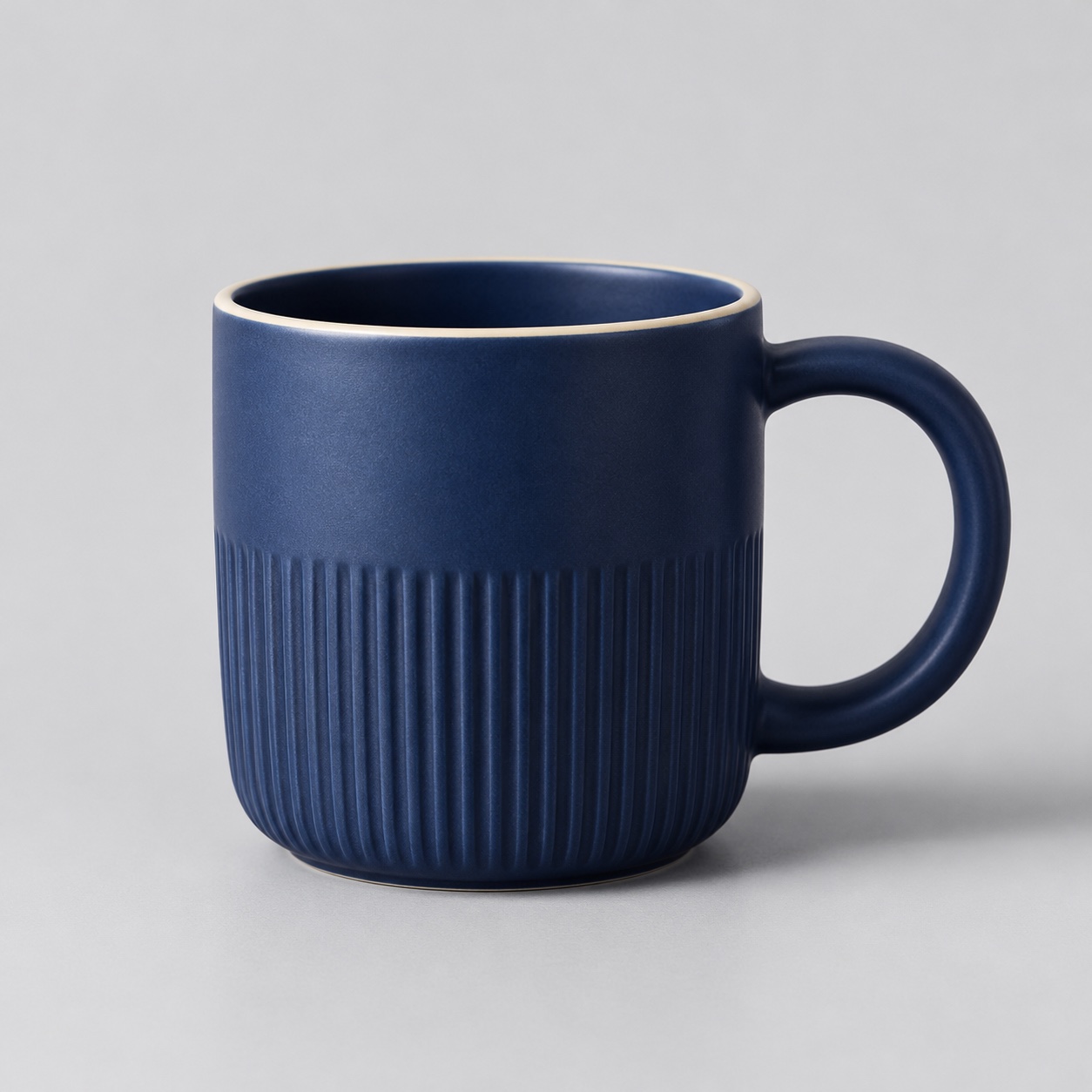
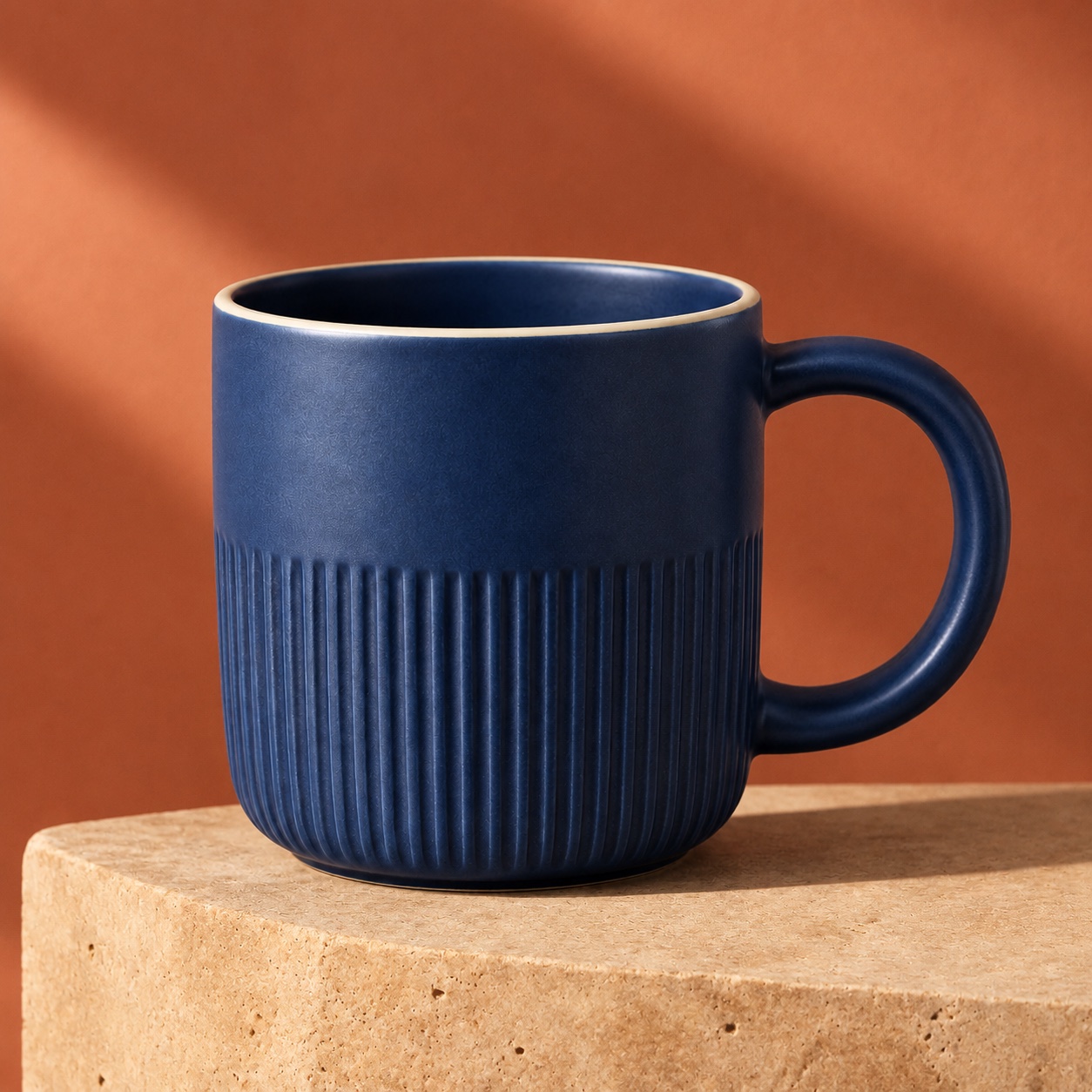
Die blaue Tasse behält Rillen, hellen Rand und runden Henkel vor einem warmen Steinhintergrund.

Nenne die Merkmale, die gleich bleiben sollen, und beschreibe das neue Licht.

Prompt ansehen

Use the uploaded mug as the reference. Keep the cobalt glaze, vertical ribbing, thin cream rim and right-hand round handle. Place the same mug on a warm travertine plinth against a muted terracotta studio background. Add a long soft diagonal shadow and warm side light. Keep the same crop and camera angle. No text, logos or extra objects.
Gestalte um eine Überschrift herum — Ergebnis mit GPT-Image-2.6
Ergebnis mit GPT-Image-2.6 · 1K · 2:3

Plakate

Gestalte um eine Überschrift herum

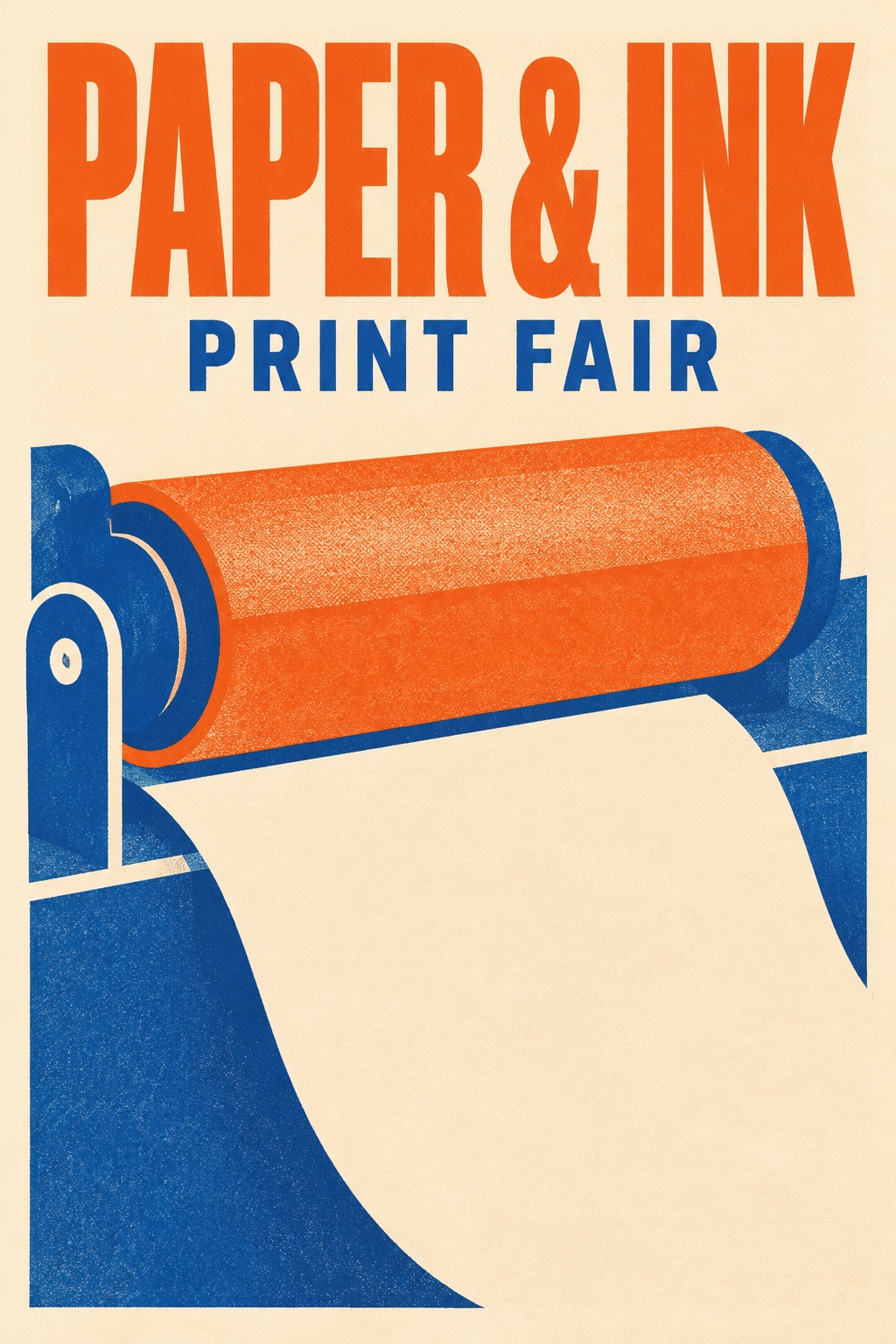
„PAPER & INK“ und „PRINT FAIR“ haben auf dem Plakat eine klare Hierarchie.

Setze den genauen Wortlaut in Anführungszeichen und prüfe ihn im Ergebnis.

Prompt ansehen

Create a polished portrait-format risograph event poster for a fictional independent print fair. The only typography is exactly “PAPER & INK” in a bold tall uppercase headline across the top and “PRINT FAIR” in a smaller uppercase line below. Large playful shapes suggest a print roller and a sheet of paper. Burnt orange, royal blue and warm cream. Restrained Swiss grid, generous margins, clean readable lettering. No other text or logos.

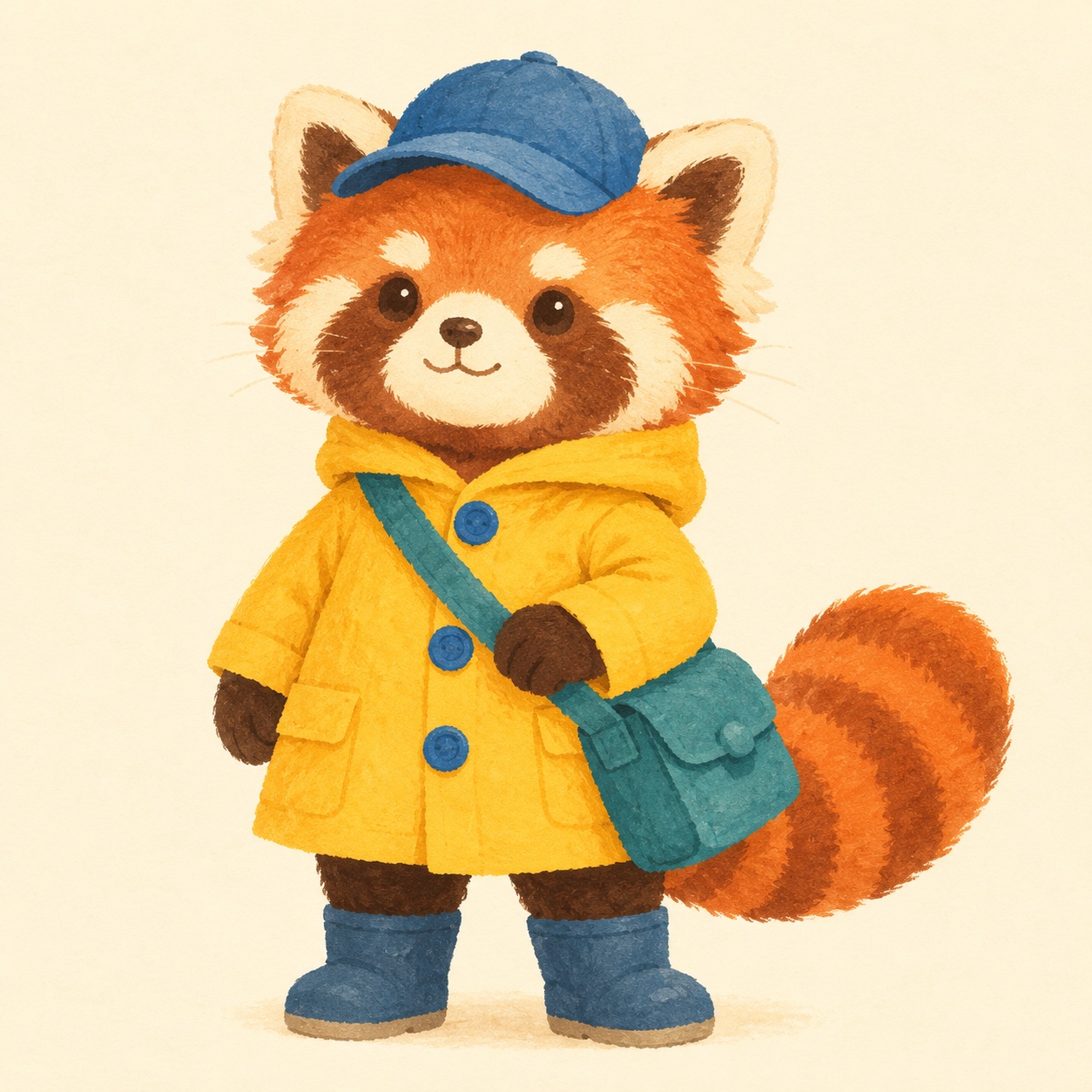
Dieselbe Figur in einer neuen Szene — Vorlage
Vorlage
Dieselbe Figur in einer neuen Szene — Ergebnis mit GPT-Image-2.6
Ergebnis mit GPT-Image-2.6 · 1K · 1:1

Illustration

Dieselbe Figur in einer neuen Szene

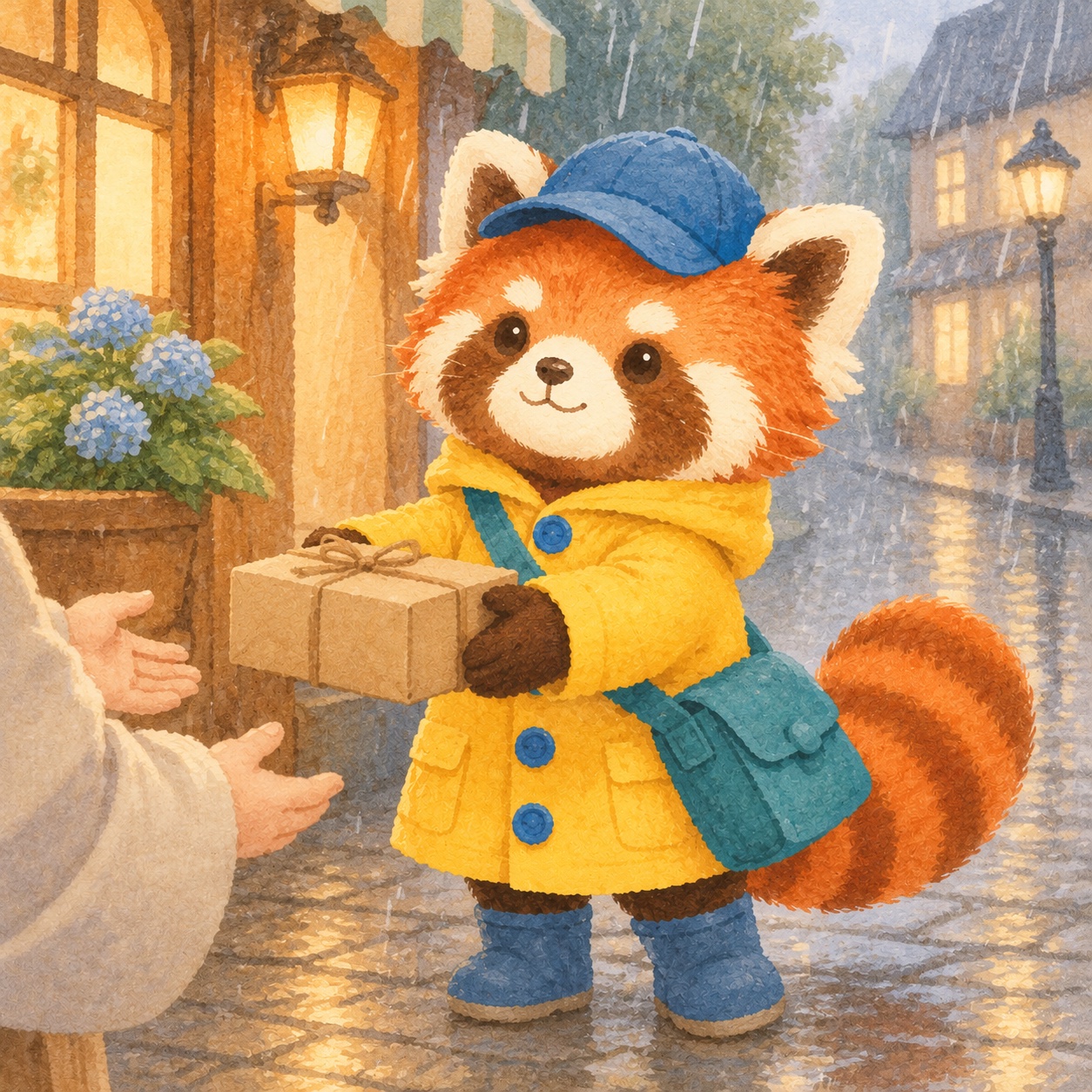
Der rote Panda trägt auch auf der regennassen Straße die gelbe Jacke und blaue Mütze.

Lade eine Vorlage hoch und benenne Kleidung, Markierungen und Accessoires.

Prompt ansehen

Create a new picture-book scene with the exact red panda courier from the reference. Preserve the red panda’s face markings, the yellow raincoat and three blue buttons, teal satchel, blue cap and striped tail. Show the courier on a rainy cobbled street handing a small parcel to an off-camera customer. Soft gouache, simple rounded forms, warm window light. No text. Square canvas.

So schreibst du einen Prompt

  1. Step 01

    Ziel beschreiben

    Nenne Bildtyp, Ausschnitt und Beleuchtung.

  2. Step 02

    Details festlegen

    Trenne bei einer Bearbeitung Änderungen und zu erhaltende Details.

  3. Step 03

    Ergebnis prüfen

    Kontrolliere Schrift und Details in voller Größe.

Häufige Fragen

Kann ich ein Foto bearbeiten?
Lade ein Bild hoch und beschreibe, was sich ändern und was erhalten bleiben soll.
Welche Größe und welcher Preis?
Ein 1K-Standbild kostet 1 Credit. Quadrat, Hoch- und Querformat stehen zur Wahl.
Sind GIF und SVG möglich?
Dieser FrameFlowLab-Ablauf erzeugt Standbilder.

Mit GPT-Image-2.6 erstellen

Gestalte Plakate mit lesbarer Schrift, ändere den Hintergrund eines Produkts oder setze dieselbe Figur in eine neue Szene. Starte mit Text oder einem Bild.

Mit GPT-Image-2.6 erstellen