FrameFlowLabで生成

GPT-Image-2.6 AI画像生成・編集

見出し入りのポスター、背景を変えた商品写真、同じキャラクターの別シーン。文章や参考画像から作れます。

1K · 1:1 / 2:3 / 3:2

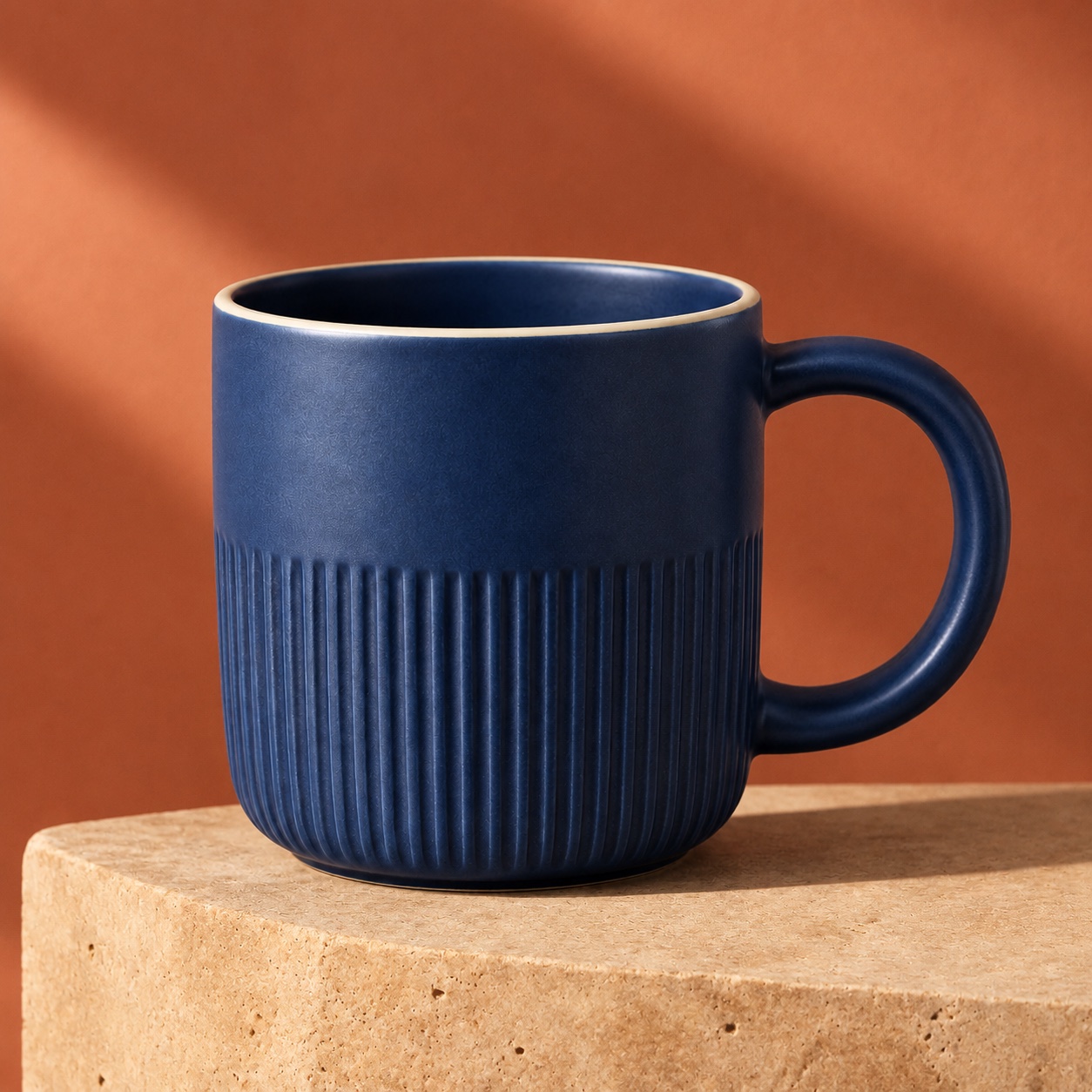
商品の特徴を残して背景を変える — FrameFlowLabで生成
FrameFlowLabで生成

GPT-Image-2.6が得意なこと

参考画像と結果を比較できます。作例のプロンプトや設定も使えます。

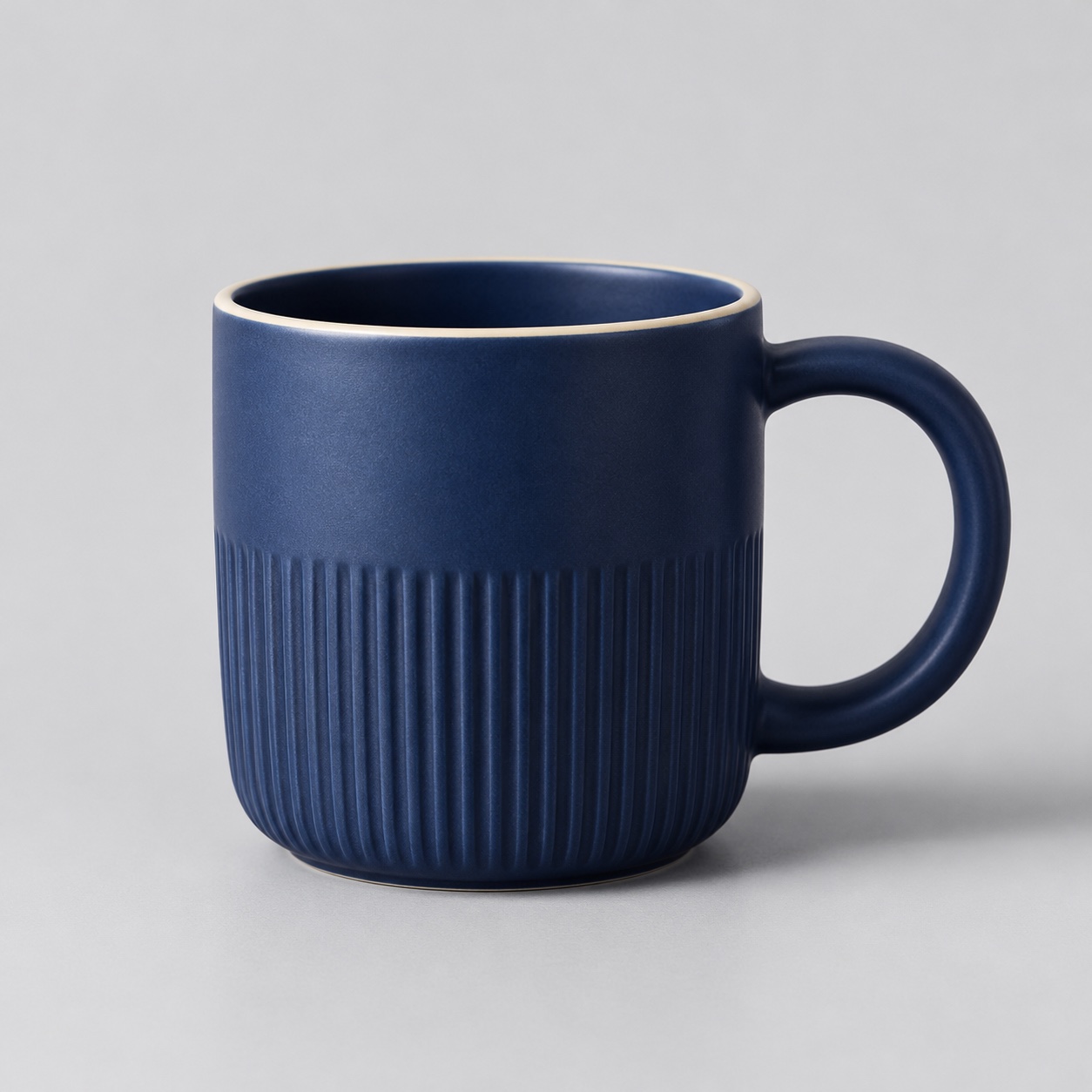
商品の特徴を残して背景を変える — 参考画像
参考画像
商品の特徴を残して背景を変える — GPT-Image-2.6の結果
GPT-Image-2.6の結果 · 1K · 1:1

商品写真

商品の特徴を残して背景を変える

青いマグの溝、明るい縁、丸い取っ手を残し、暖色の石台に移しました。

残したい形や質感と、新しい背景や光を分けて指定します。

プロンプトを見る

Use the uploaded mug as the reference. Keep the cobalt glaze, vertical ribbing, thin cream rim and right-hand round handle. Place the same mug on a warm travertine plinth against a muted terracotta studio background. Add a long soft diagonal shadow and warm side light. Keep the same crop and camera angle. No text, logos or extra objects.
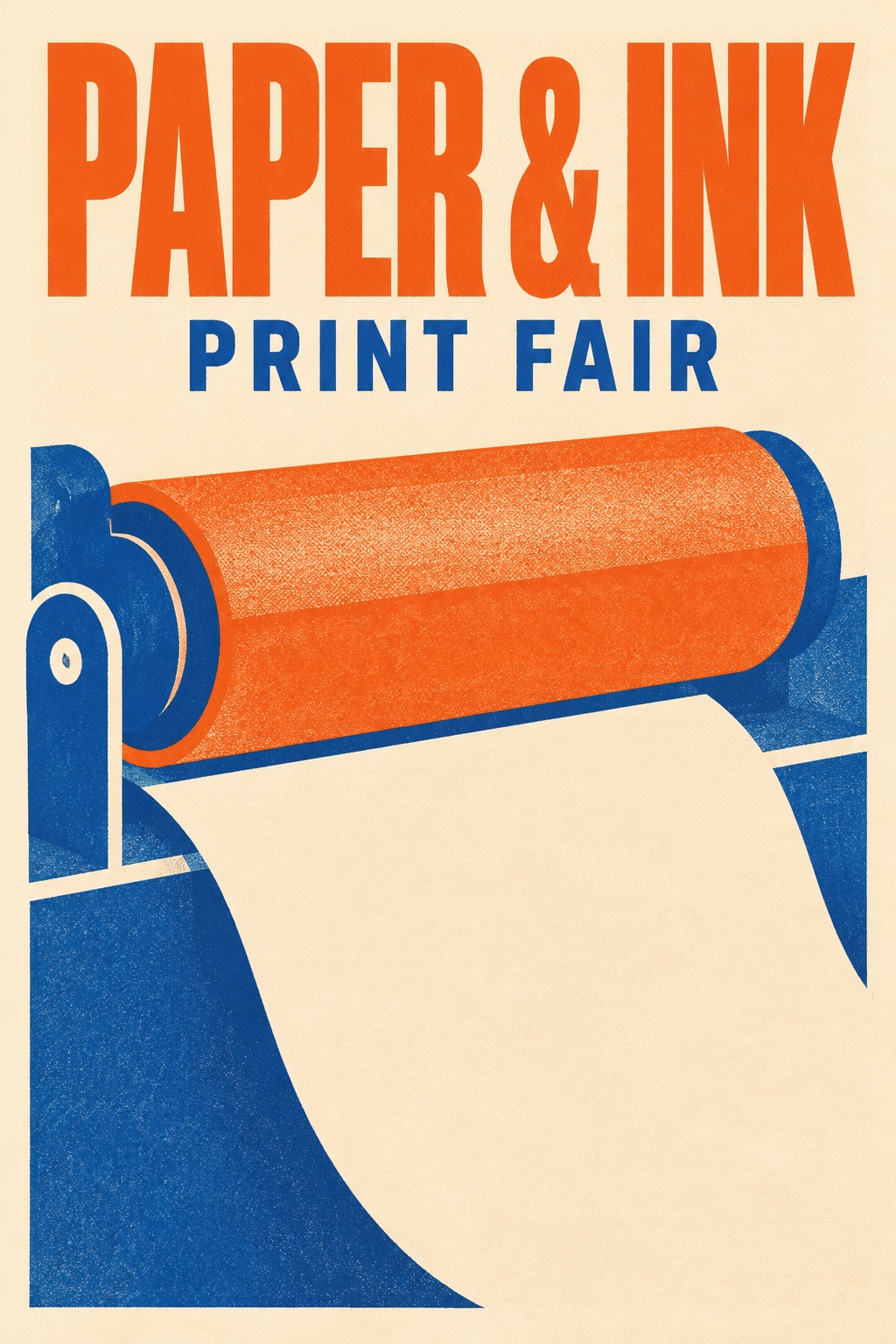
見出しを中心にデザインする — GPT-Image-2.6の結果
GPT-Image-2.6の結果 · 1K · 2:3

ポスター

見出しを中心にデザインする

「PAPER & INK」と「PRINT FAIR」を文字の大小で区別しています。

正確な文言を引用符で囲み、生成後に表記を確認します。

プロンプトを見る

Create a polished portrait-format risograph event poster for a fictional independent print fair. The only typography is exactly “PAPER & INK” in a bold tall uppercase headline across the top and “PRINT FAIR” in a smaller uppercase line below. Large playful shapes suggest a print roller and a sheet of paper. Burnt orange, royal blue and warm cream. Restrained Swiss grid, generous margins, clean readable lettering. No other text or logos.

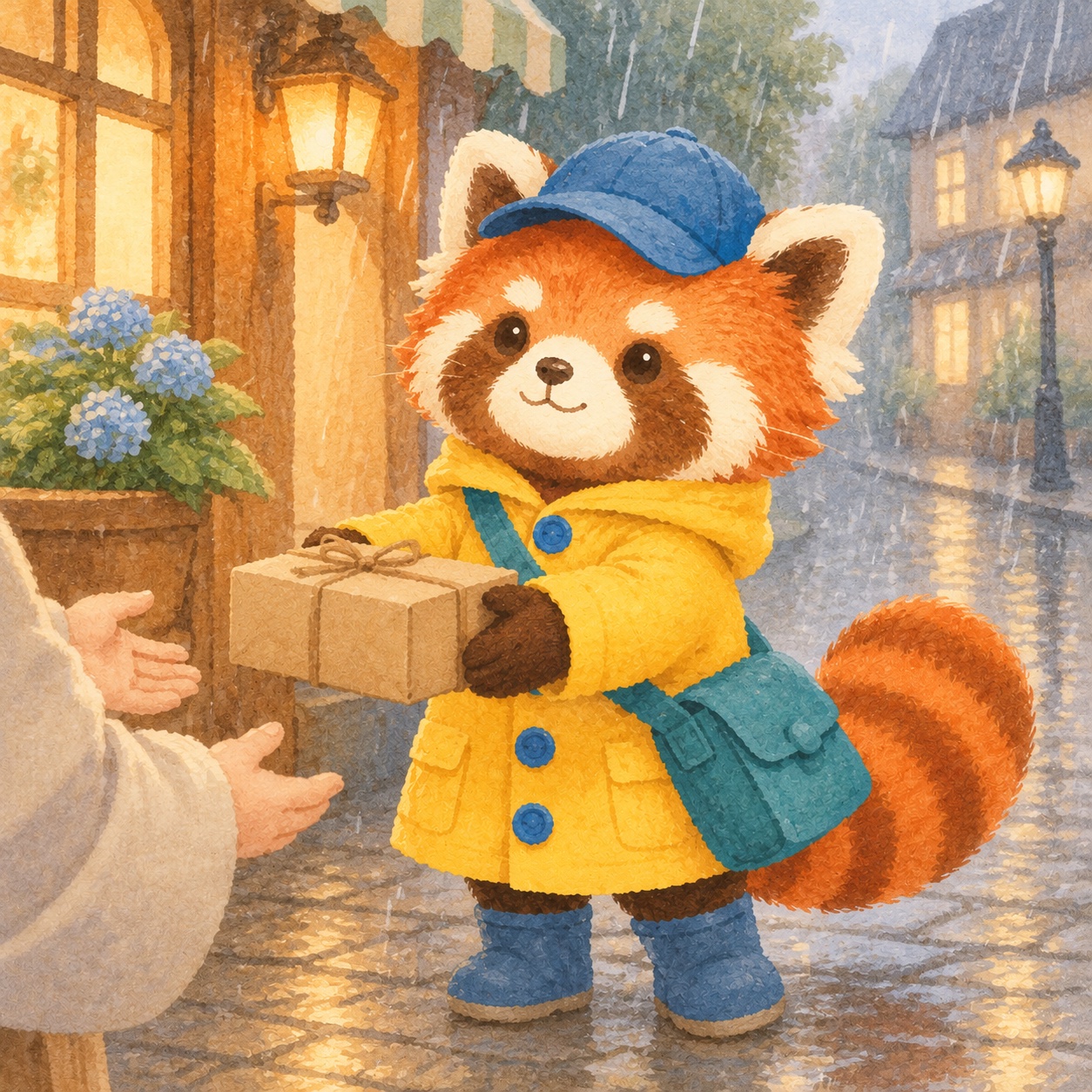
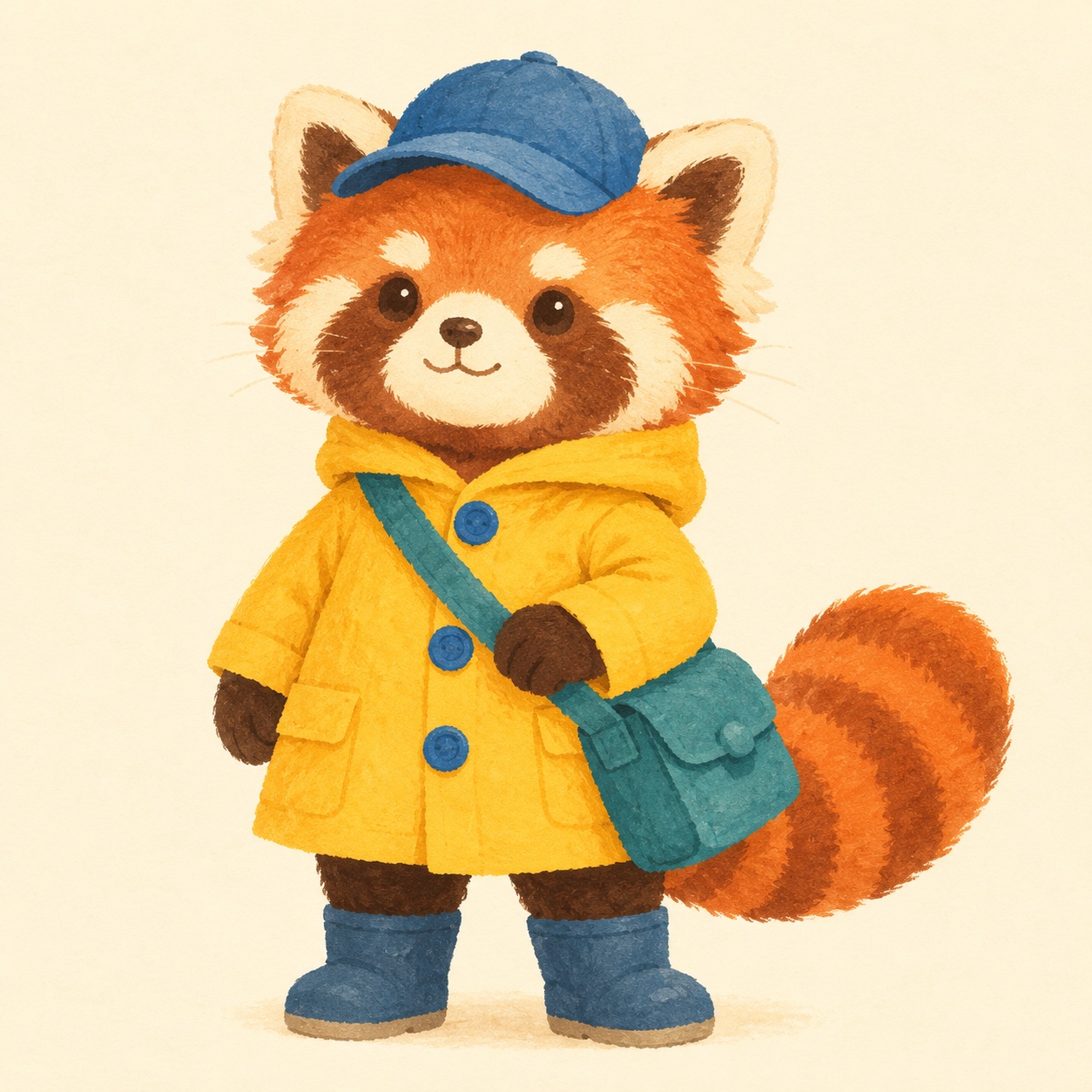
同じキャラクターを別の場面へ — 参考画像
参考画像
同じキャラクターを別の場面へ — GPT-Image-2.6の結果
GPT-Image-2.6の結果 · 1K · 1:1

イラスト

同じキャラクターを別の場面へ

レッサーパンダの黄色いコート、青い帽子、しま模様のしっぽを雨の街でも維持しました。

参考画像を添え、残す模様や衣装、小物を指定します。

プロンプトを見る

Create a new picture-book scene with the exact red panda courier from the reference. Preserve the red panda’s face markings, the yellow raincoat and three blue buttons, teal satchel, blue cap and striped tail. Show the courier on a rainy cobbled street handing a small parcel to an off-camera customer. Soft gouache, simple rounded forms, warm window light. No text. Square canvas.

プロンプトの書き方

  1. Step 01

    用途を伝える

    商品写真、ポスターなどの用途と構図や光を指定します。

  2. Step 02

    残す部分を指定する

    変更点と変えたくない部分を分けて書きます。

  3. Step 03

    拡大して確認する

    書き出す前に文字や細部を確認します。

よくある質問

既存の画像を編集できますか?
画像を1枚アップロードし、変更点と残したい部分を指定します。
サイズと料金は?
1Kの静止画像は1枚1クレジットです。正方形・縦長・横長を選べます。
GIFやSVGを出力できますか?
このFrameFlowLabの機能は静止画像を生成します。

GPT-Image-2.6で作る

見出し入りのポスター、背景を変えた商品写真、同じキャラクターの別シーン。文章や参考画像から作れます。

GPT-Image-2.6で作る