FrameFlowLab 实际生成

GPT-Image-2.6 图片生成与编辑

把标题排进海报,保留产品细节换一个拍摄场景,或让同一个角色出现在下一幕。输入提示词即可生成,也可以上传图片修改。

1K · 1:1 / 2:3 / 3:2

换布景,保留产品特征 — FrameFlowLab 实际生成
FrameFlowLab 实际生成

GPT-Image-2.6 擅长做什么

看它改了哪里、保留了什么。每个案例都可以查看原提示词,也能把素材和参数直接带进工作区。

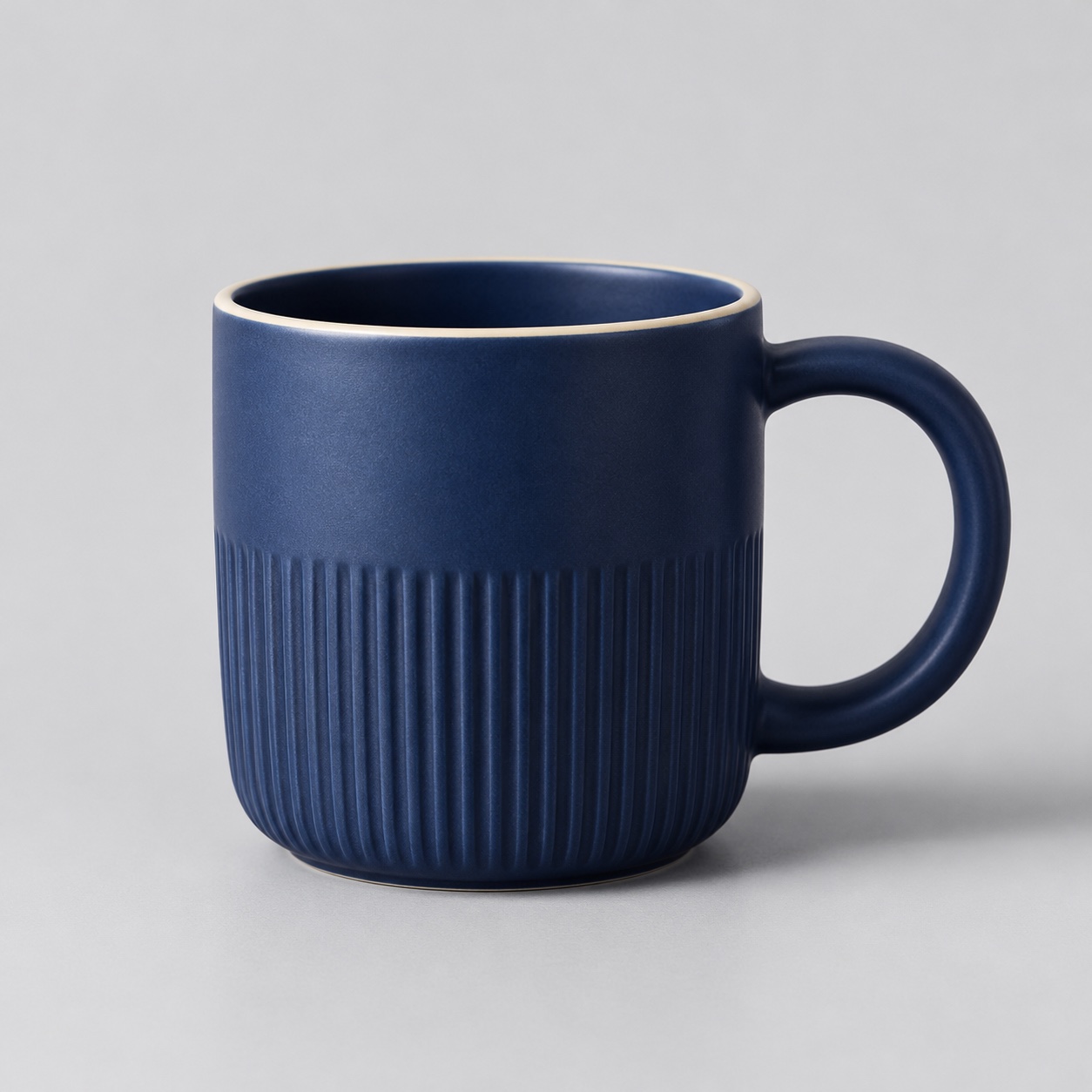
换布景,保留产品特征 — 参考图
参考图
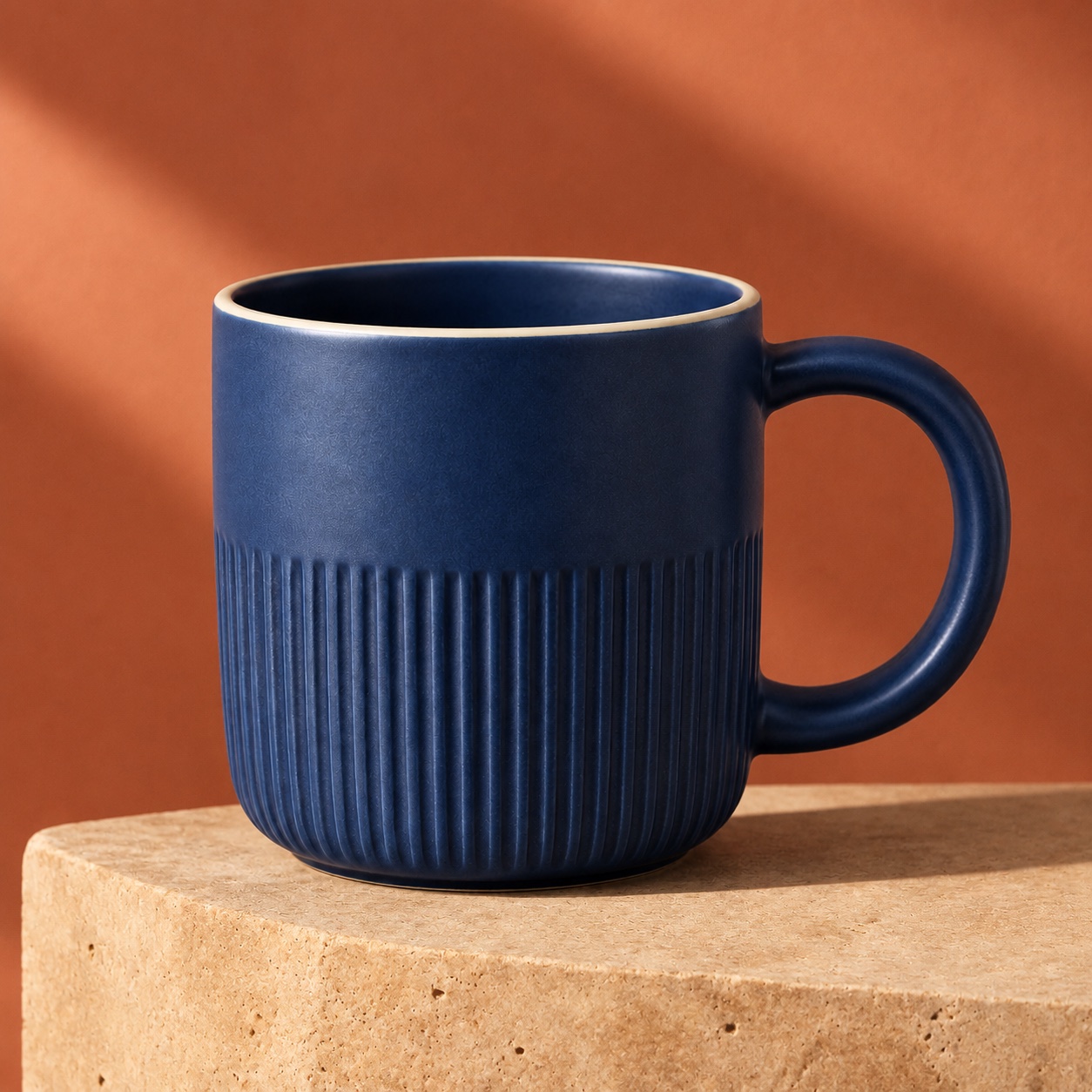
换布景,保留产品特征 — GPT-Image-2.6 结果
GPT-Image-2.6 结果 · 1K · 1:1

产品图

换布景,保留产品特征

蓝色陶瓷杯保留了纵向纹理、浅色杯沿和圆柄。画面从浅灰棚拍换成暖色石台,并加入斜向光影。

把要保留的颜色、形状和材质写清楚,再指定新的背景、布光和拍摄角度。

查看提示词

Use the uploaded mug as the reference. Keep the cobalt glaze, vertical ribbing, thin cream rim and right-hand round handle. Place the same mug on a warm travertine plinth against a muted terracotta studio background. Add a long soft diagonal shadow and warm side light. Keep the same crop and camera angle. No text, logos or extra objects.
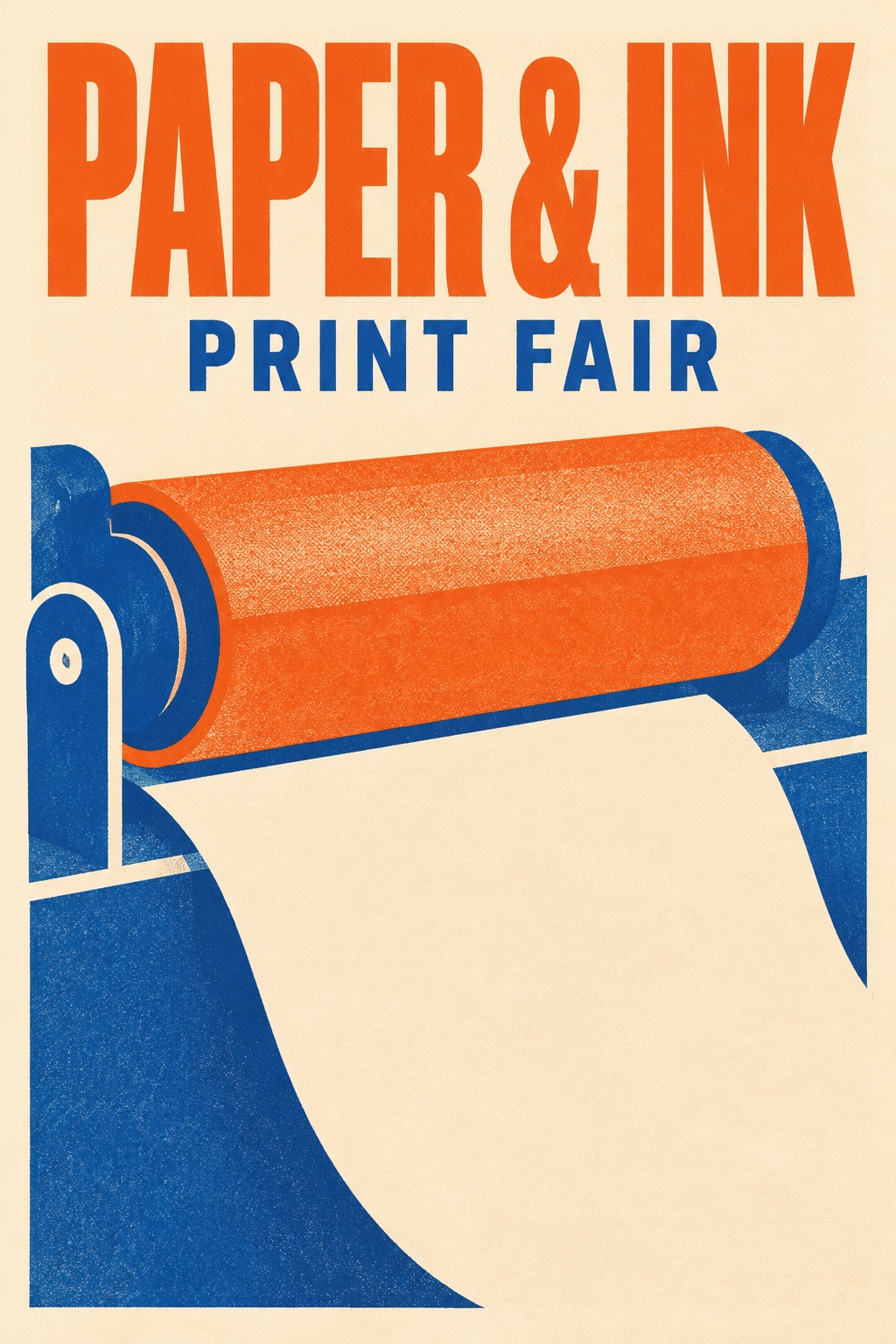

让文字成为画面的一部分 — GPT-Image-2.6 结果
GPT-Image-2.6 结果 · 1K · 2:3

海报与平面设计

让文字成为画面的一部分

示例将“PAPER & INK”和“PRINT FAIR”排进同一张海报,通过大小和留白区分主副标题。

用引号标出准确文案,说明字号层级和位置。成图后放大校对。

查看提示词

Create a polished portrait-format risograph event poster for a fictional independent print fair. The only typography is exactly “PAPER & INK” in a bold tall uppercase headline across the top and “PRINT FAIR” in a smaller uppercase line below. Large playful shapes suggest a print roller and a sheet of paper. Burnt orange, royal blue and warm cream. Restrained Swiss grid, generous margins, clean readable lettering. No other text or logos.

同一个角色,换一个场景 — 参考图
参考图
同一个角色,换一个场景 — GPT-Image-2.6 结果
GPT-Image-2.6 结果 · 1K · 1:1

角色插画

同一个角色,换一个场景

小熊猫快递员从角色设定图走进雨天街道,黄色雨衣、蓝帽子和条纹尾巴延续到了新画面。

上传角色参考,明确要保留的面部特征、服装和配件,再描述新动作。

查看提示词

Create a new picture-book scene with the exact red panda courier from the reference. Preserve the red panda’s face markings, the yellow raincoat and three blue buttons, teal satchel, blue cap and striped tail. Show the courier on a rainy cobbled street handing a small parcel to an off-camera customer. Soft gouache, simple rounded forms, warm window light. No text. Square canvas.

怎样写提示词更有效

  1. Step 01

    先说明要交付什么

    写明产品图、海报或故事插画,再指定构图、光线和画幅。

  2. Step 02

    把修改项和保留项分开

    上传参考图后,说明只改哪里,以及哪些外形、标识或细节要保持。

  3. Step 03

    放大检查再导出

    重点检查文字、标识和细小纹理。需要返工时,先改一条指令再试。

GPT-Image-2.6 常见问题

可以编辑已有图片吗?
可以。上传一张参考图,再写清修改项和要保留的细节,例如标识、姿势或产品外形。
每张多少积分?支持哪些尺寸?
FrameFlowLab 提供 1K 静态图片,每张 1 积分。支持方形、竖版和横版,上传参考图时也可以选择 Auto 跟随原图比例。
可以输出 GIF、SVG 或圈选编辑吗?
本页接入的是静态图片生成与参考图编辑,工作区暂未提供 GIF、SVG 输出或圈选工具。

用 GPT-Image-2.6 创作

把标题排进海报,保留产品细节换一个拍摄场景,或让同一个角色出现在下一幕。输入提示词即可生成,也可以上传图片修改。

用 GPT-Image-2.6 创作